In this article (6)
In short
- For stable video calls you need at least 20 Mbit/s upload and a connection not shared with other units.
- Always ask: is it fibre? Is it dedicated to the apartment? Where is the router?
- As soon as you arrive, run a speed test where you'll be working, not next to the router.
“Free Wi-Fi” is in every listing. The problem is that it tells you nothing about how fast it is, how stable it is and how many people you share it with. If you need to work in Milan, here’s how to avoid unpleasant surprises.
The speeds you really need
| Use | Download | Upload |
|---|---|---|
| Email, documents, browsing | 10 Mbit/s | 2 Mbit/s |
| HD video call | 5 Mbit/s | 3–5 Mbit/s |
| Several calls at once, uploading large files | 100 Mbit/s | 20+ Mbit/s |
| 4K streaming in the evening | 25 Mbit/s | – |
The most overlooked figure is upload: it decides whether others see you clearly on a call and how long a file takes to upload. Mobile connections and old ADSL lines have low upload speeds.
Three questions to ask the host
- Is it fibre? Fibre (FTTH or FTTC) is the baseline for working. A 4G pocket router is fine for email, not for a day of calls.
- Is it dedicated? Many buildings with several rental units have a single network for everyone. On Friday evening, with every guest streaming, the speed collapses.
- Where is the router? If it’s at the end of the corridor and you work in the bedroom, the signal arrives at half strength.
A host who knows their connection answers in a minute. If the answer is vague, that’s already information.
Read the reviews the right way
Search for “Wi-Fi”, “internet”, “call”, “work”. A review saying “I worked for three days without any problems” is worth more than ten “everything was perfect”. Watch out instead for phrases like “the Wi-Fi sometimes didn’t work”.
As soon as you arrive: the 2-minute test
- Connect and open a site like fast.com or speedtest.net.
- Run the test where you’ll work, not next to the router.
- If something’s wrong, message the host straight away: it’s easier to fix on day one than on day three.
Tip: keep your phone ready as a backup hotspot. You shouldn’t need it, but on an important call it takes away all the stress.
The other details that matter for work
The connection is the first requirement, not the only one. You also need a proper table, a comfortable chair, sockets nearby and a quiet room. You’ll find them all in our checklist for remote work in Milan.
Wi-Fi at Teodorico Apartments Milano
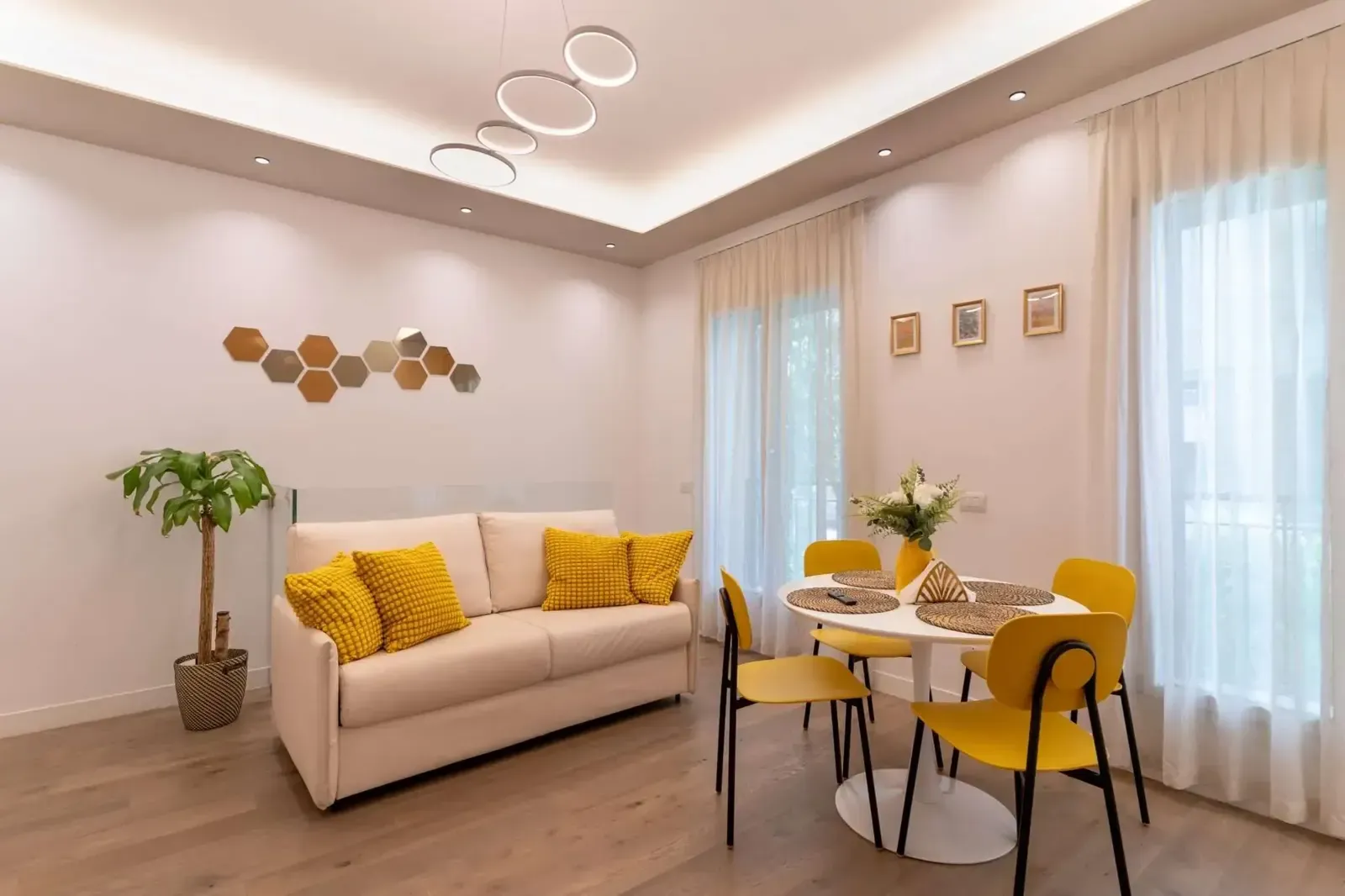
At Viale Teodorico 7 the connection is dedicated fibre for the apartment: you don’t share it with other guests, not even during trade fair weeks when the area is full. The router is inside the apartment and covers the living room and bedroom.
You’ll find the network name and password in your guest area before you even arrive, together with the entry instructions. So you’re online as soon as you open the door.
Frequently asked questions
What speed do I need for remote work?
An HD video call needs only a few Mbit/s, but to work comfortably with several devices you want fibre with at least 100 Mbit/s download and 20 upload.
Is the Teodorico Apartments Milano Wi-Fi shared?
No. It's a fibre line dedicated to the apartment.
Where do I find the Wi-Fi password?
In your guest area, which you receive before arrival, together with the entry instructions.