In this article (8)
In short
- The connection must be fibre and dedicated to the apartment: ask the host before you book.
- You need a real table and a proper chair, not a kitchen counter or the sofa.
- Separating your work area from where you sleep helps you switch off in the evening.
Working remotely from Milan for a few days sounds simple: bring your laptop and you’re set. Then you find the Wi-Fi drops on every call, the only table is a high counter and the bedroom faces a busy avenue. Here’s the checklist we’d use ourselves.
1. Wi-Fi: fibre and dedicated
It’s the number one point, and almost no listing explains it properly. Ask the host:
- what kind of connection it is: fibre, or a mobile 4G router;
- whether it’s dedicated to the apartment or shared between several units in the building;
- where the router is, so you know whether the signal reaches where you’ll work.
As a rule of thumb, for comfortable remote work with several devices you want fibre with at least 100 Mbps download and 20 Mbps upload. Upload is the number most people forget: it decides how you look on calls and how fast your files go up.
2. A real workspace
Eight hours at a kitchen counter or on the sofa and your back will complain by day two. In the photos, look for:
- a table at the right height, with room for a laptop and a notebook;
- a chair with a backrest, not a stool;
- a socket near the table;
- natural light from the side, so it doesn’t reflect on your screen.
3. Quiet, day and night
During the day you need it for calls, at night for sleep. A bedroom on the inner side of the building makes a huge difference. In reviews, look for phrases like “very quiet” or “slept really well”.
4. Separate work and rest
In a studio, the desk is next to the bed and the working day never ends. A one-bedroom apartment lets you close the laptop in the living room and go to another room. It sounds minor, but after three days it matters.
5. Kitchen and shops within walking distance
When you work from home you eat at home. A real kitchen saves time and money. Check what’s a few minutes away too: supermarket, a café for a break, a pharmacy.
6. Flexible hours
If you work until 6 pm and then travel, a late check-out saves you dragging your suitcase around. If you land late, self check-in means you don’t have to give an arrival time.
The checklist at a glance
| What | Why |
|---|---|
| Dedicated fibre Wi-Fi | Stable calls, fast uploads |
| Table and comfortable chair | Work without back pain |
| Bedroom on the quiet side | Sleep well, work better |
| One-bedroom layout | Separate work from rest |
| Equipped kitchen | Lunch in 15 minutes |
| Self check-in and late check-out | Your own schedule |
Working from Teodorico Apartments Milano
At Viale Teodorico 7, in the Portello district, you’ll find:
- fibre Wi-Fi dedicated to the apartment;
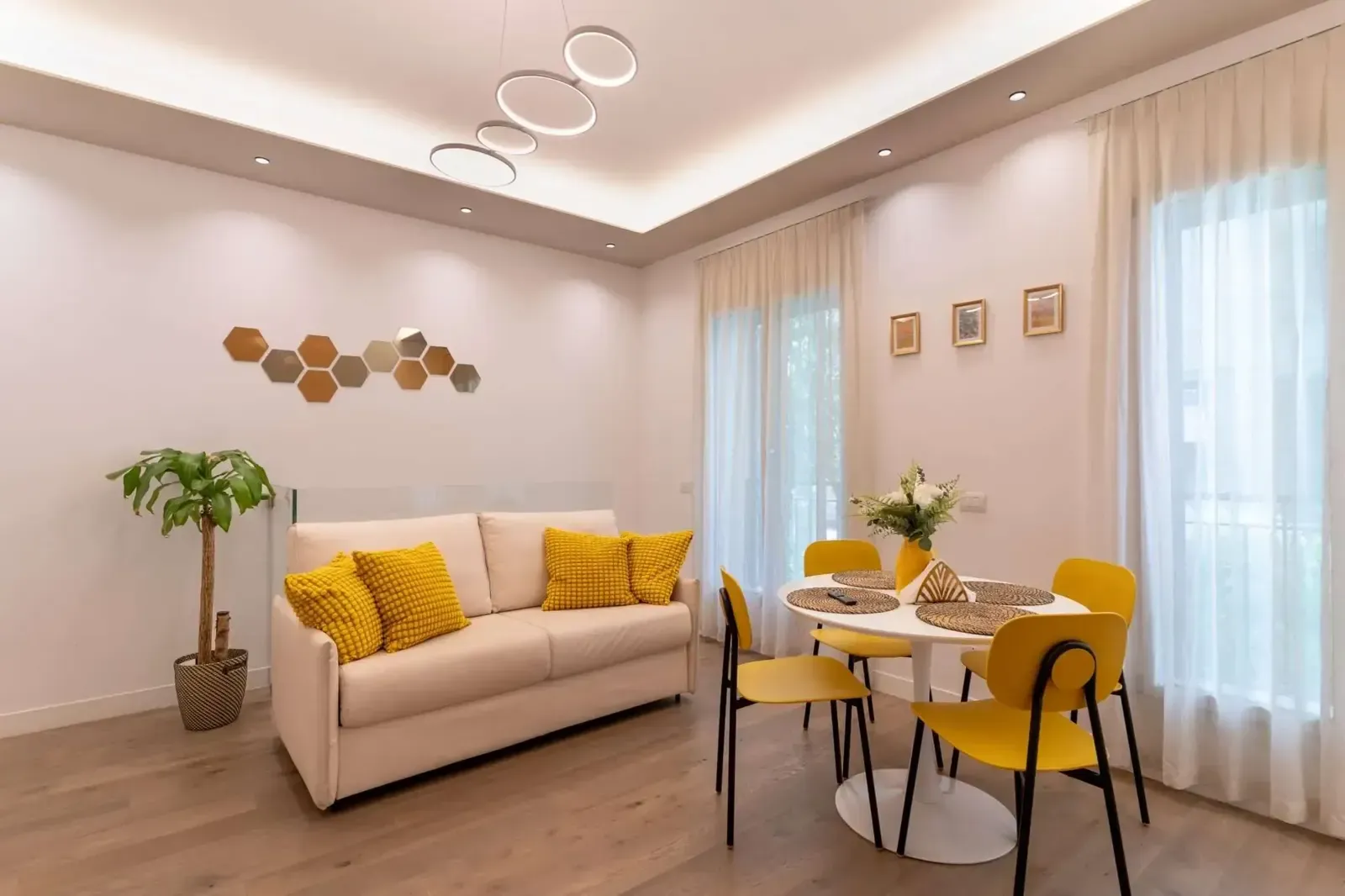
- a bright living room with a table for four that works well as a desk;
- the bedroom on the inner side, separate from the living room;
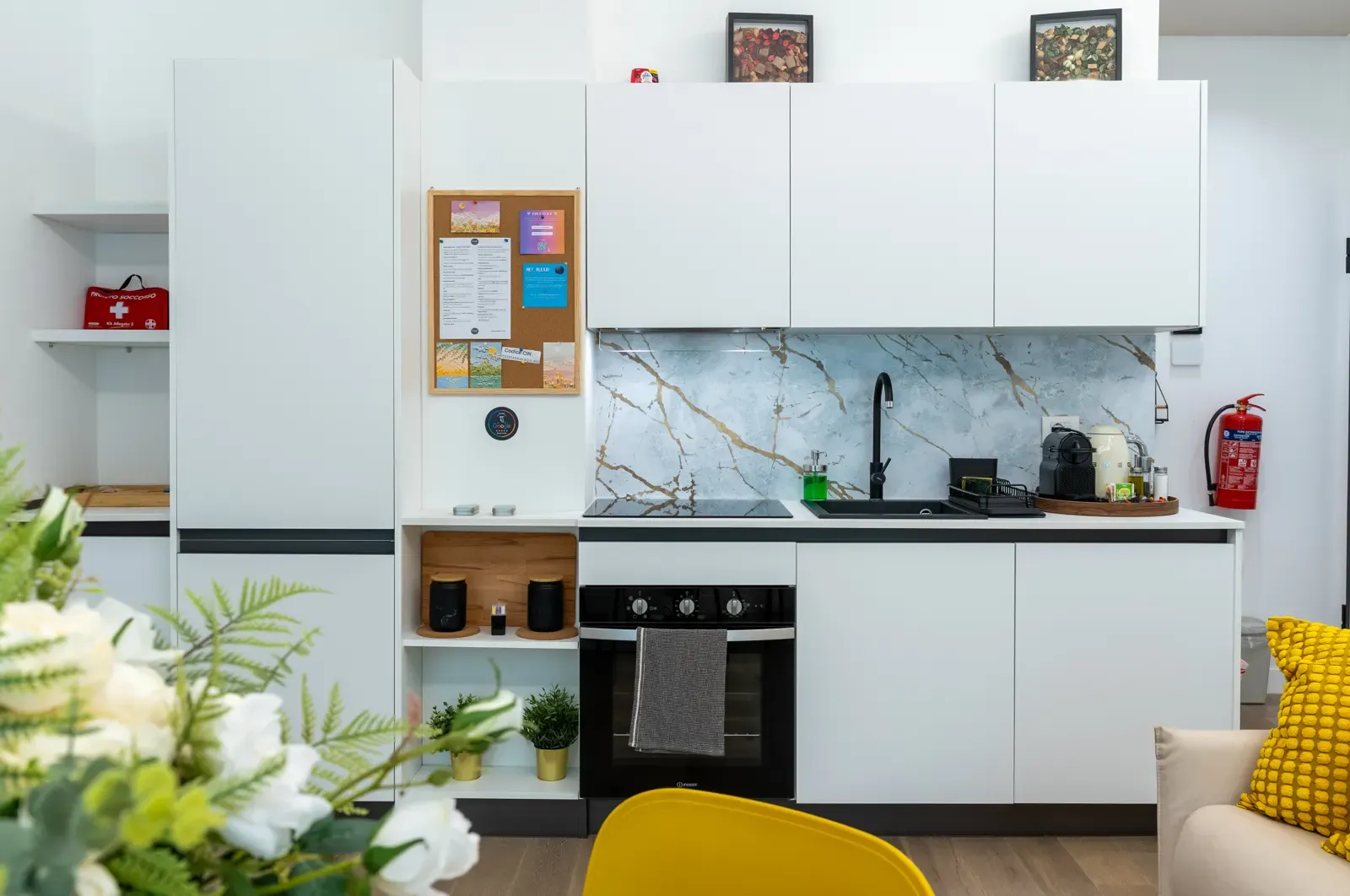
- a full kitchen with coffee machine;
- 24h self check-in and late check-out until 12 noon on request (€20).
There are cafés, a pastry shop and a supermarket a few minutes away. When you need a break, CityLife is a short walk. And if your trip includes a meeting in town or at a fair, the metro is about 10 minutes on foot: see our guide to the best Milan apartments for business travellers.
Frequently asked questions
Can I be on video calls all day?
Yes, if the connection is fibre and not shared. At Teodorico Apartments Milano the Wi-Fi is fibre and serves only the apartment.
Is there a desk?
There's a dining table for four in the bright living room, which we use and recommend as a workspace.
Can I stay for several weeks?
Yes. For longer stays, message us on WhatsApp and we'll send you a quote.